Check the intended Wi-Fi
Confirm the network before scanning, with clear permission language when iOS needs location to read the Wi-Fi name.
AR Wi-Fi placement coach
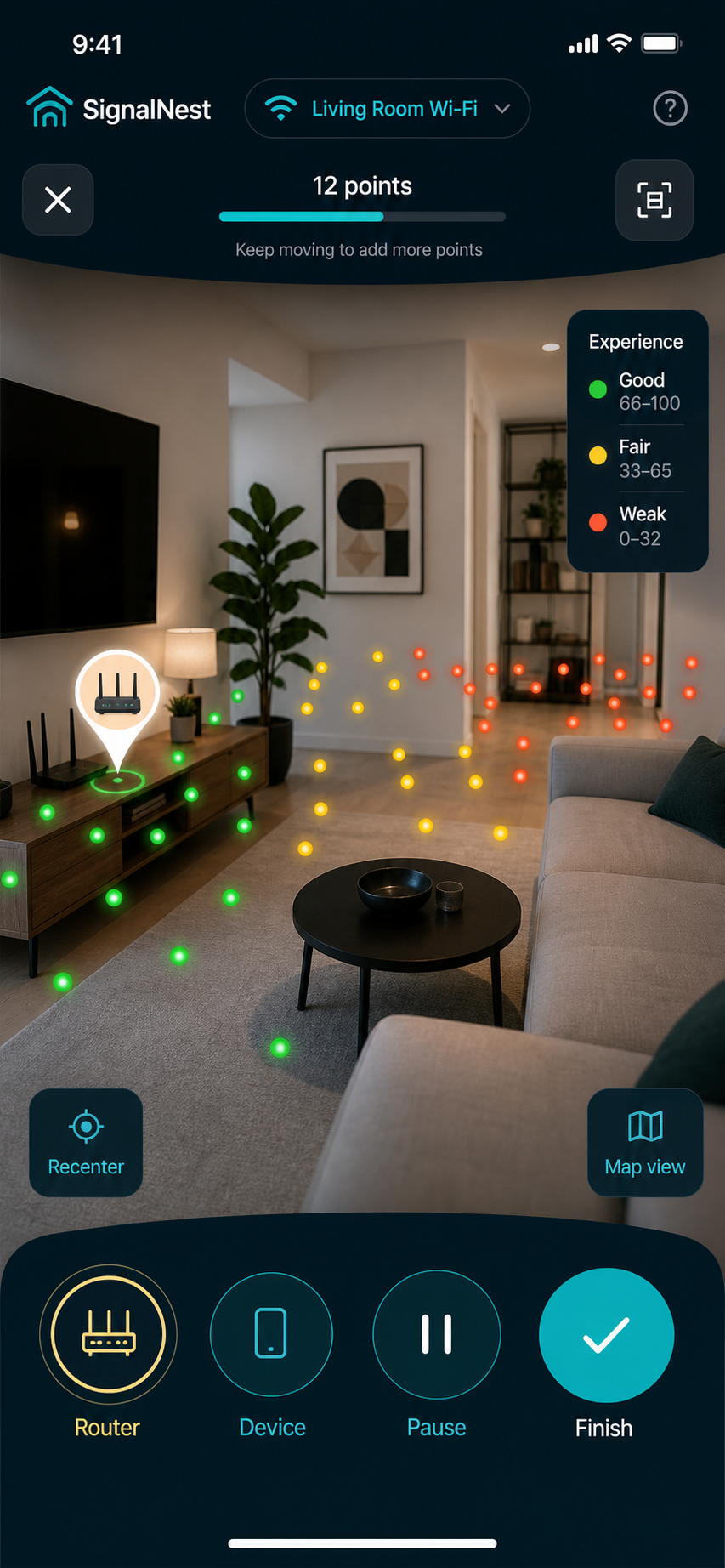
Walk through your space with an iPhone, collect Wi-Fi experience points, and get one practical next action for router or mesh placement.
Scan loop
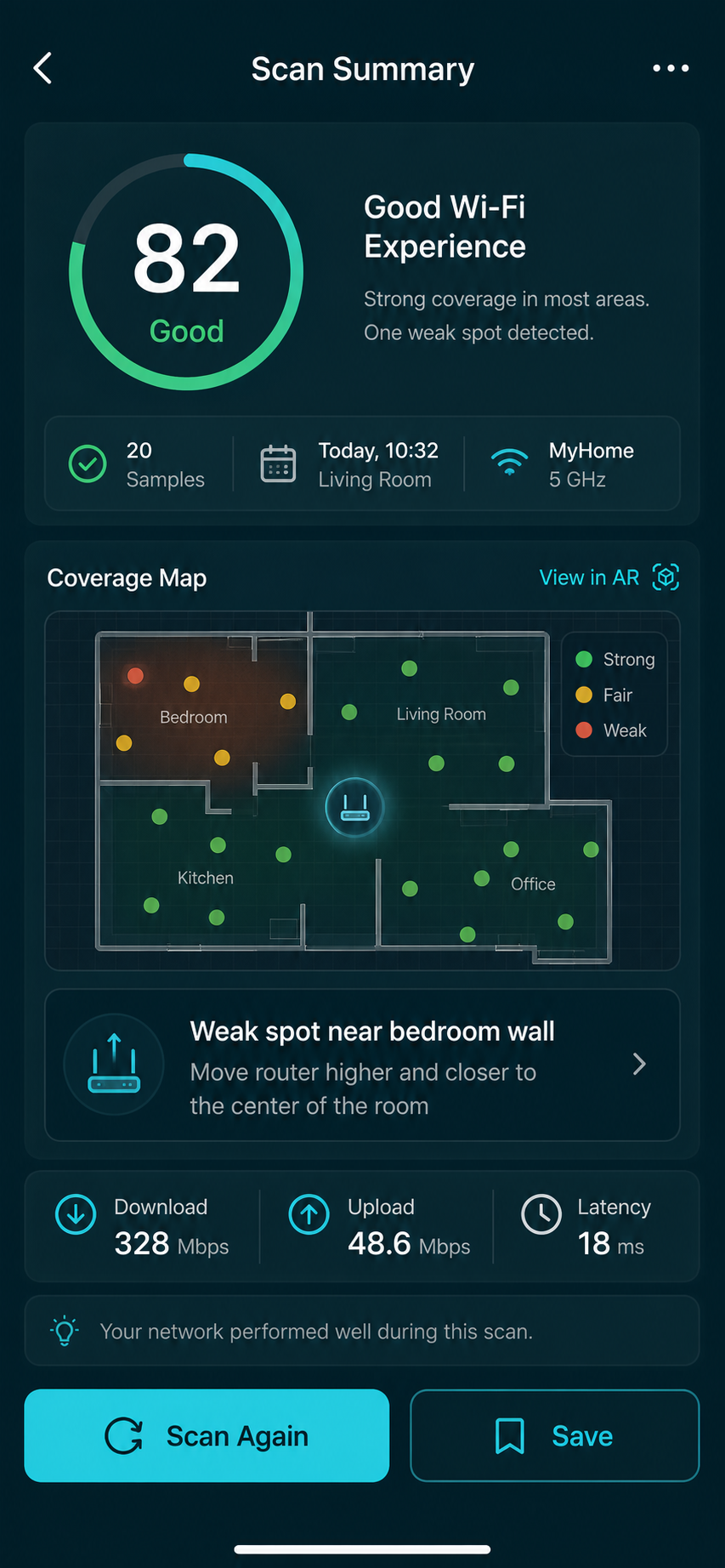
SignalNest guides a quick walk-through, places quality markers in AR, and summarizes the spots that feel strong, usable, or worth fixing.
Confirm the network before scanning, with clear permission language when iOS needs location to read the Wi-Fi name.
Capture repeated speed, latency, stability, and quality-score checks instead of relying on one lucky measurement.
Keep scan summaries, weak spots, and comparison history on the device by default.
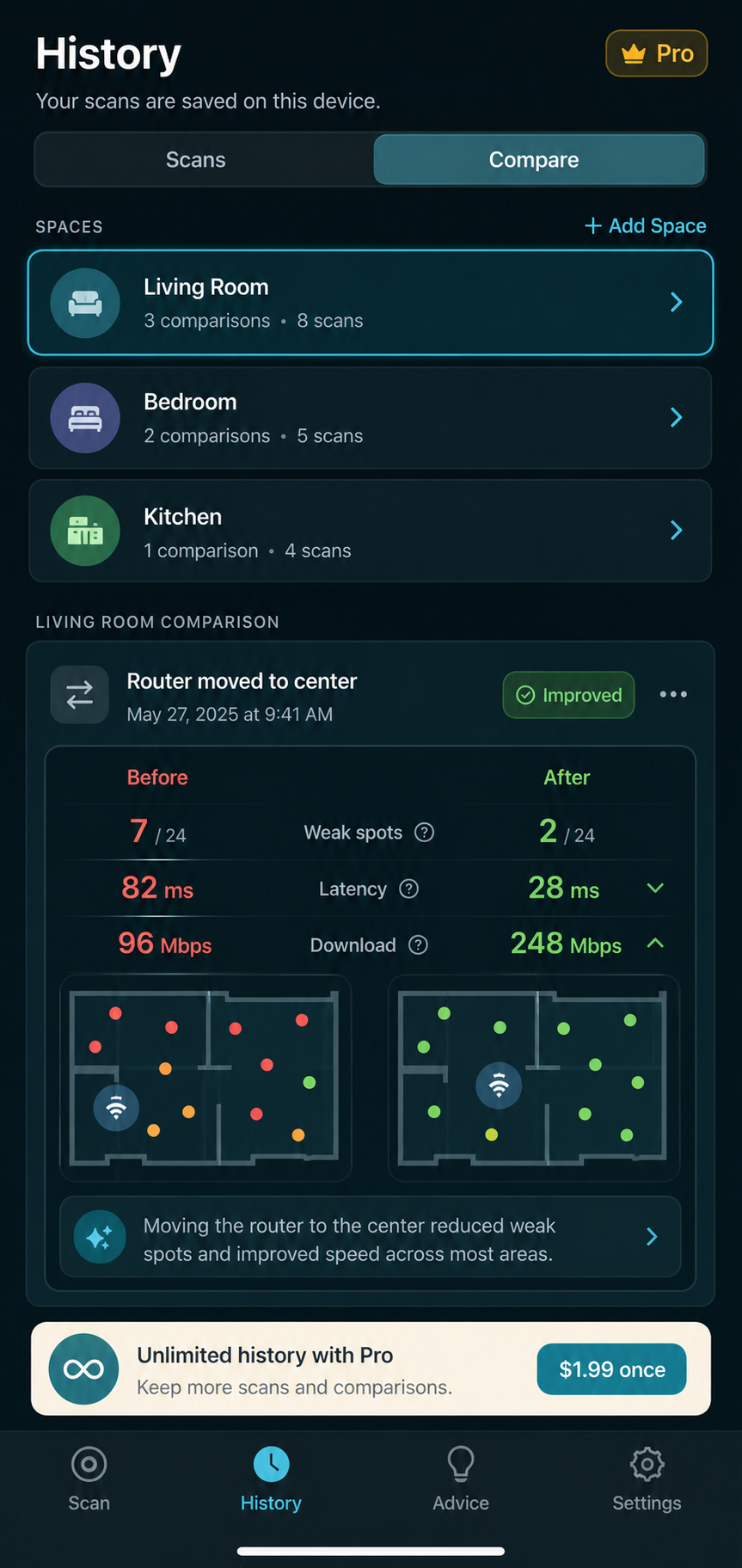
Retest after moving hardware and compare average quality, latency, weak spots, and the worst area.
Placement advice
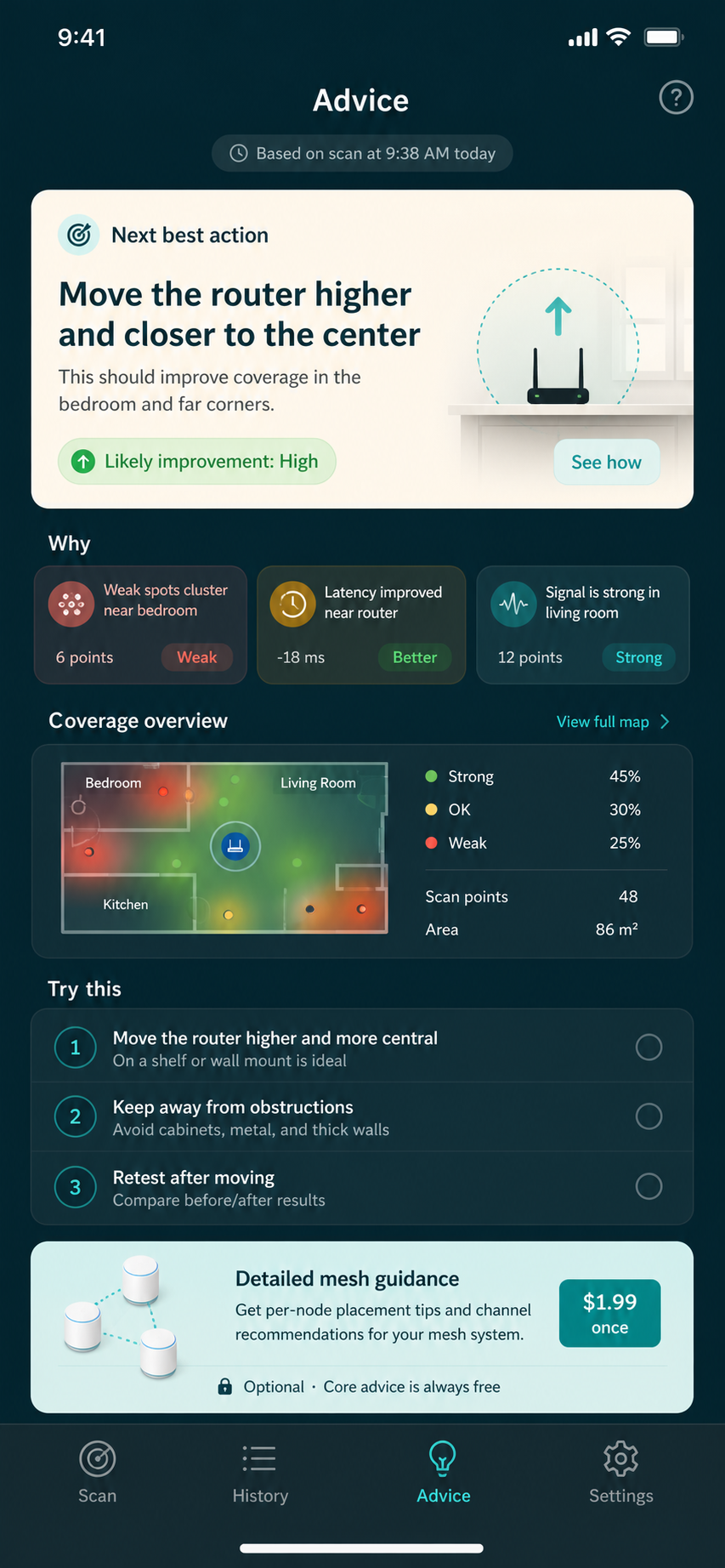
The MVP rules stay explainable: move the router out of a corner, lift it higher, test near the router, or place a mesh node between the router and the weak room instead of inside the weakest spot.
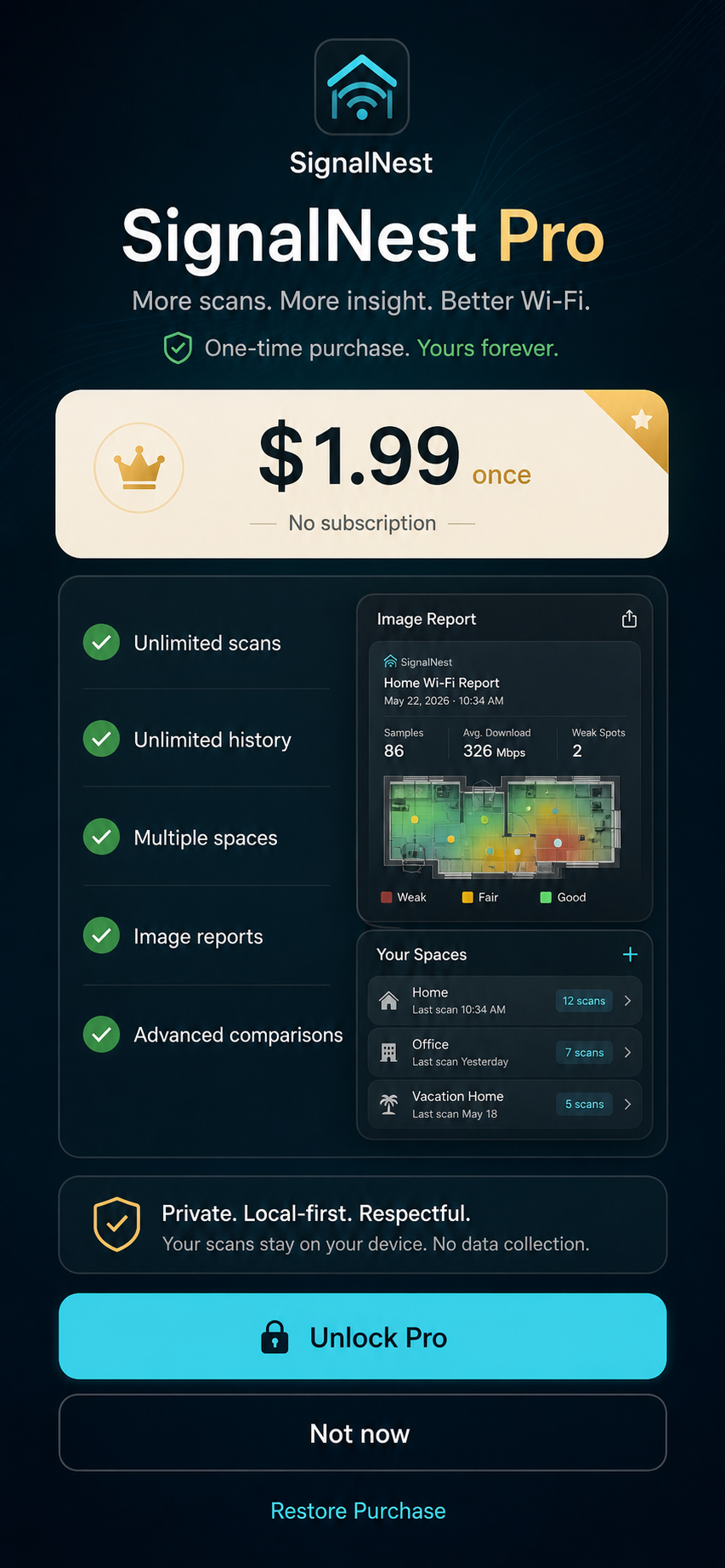
Free first value
The free path should let a first-time user complete a scan, read a basic result, save a recent scan, and perform a simple before-and-after check.
Trust posture
SignalNest describes connection experience and confidence instead of pretending the camera can see Wi-Fi waves or that iOS exposes every router diagnostic signal.
Small-space fit
The product is shaped for people deciding whether to move hardware, add a mesh node, or leave the network alone because the weak spot has another cause.